Arrma Vorteks ESC Replacement Instructions: A Comprehensive Guide
This guide details replacing the SPMXSE1100 ESC in your Arrma Vorteks. We’ll cover identification‚ reasons for upgrade‚ tools‚ and step-by-step instructions‚
plus troubleshooting and recommended alternatives for enhanced performance.
Understanding the Arrma Vorteks BLX System
The Arrma Vorteks BLX is a popular stadium truck known for its speed and durability‚ powered by a brushless system. Central to this system is the Firma 100 Amp Brushless Smart ESC (SPMXSE1100)‚ designed to handle the demands of 2S and 3S LiPo batteries. This ESC efficiently delivers power to the brushless motor‚ providing robust acceleration and control.
The BLX system integrates Spektrum Smart Technology‚ allowing for real-time telemetry data like battery voltage and motor temperature; This data is crucial for monitoring performance and preventing damage. The ESC features a robust design with a continuous current rating of 100A and a burst current of 650A‚ ensuring reliable operation during intense driving sessions. Understanding these core components is vital before attempting any ESC replacement or upgrade‚ as compatibility is key to maintaining the Vorteks’ performance capabilities.
Identifying the Current ESC (SPMXSE1100) Specifications
The stock ESC in the Arrma Vorteks BLX is the Spektrum Firma 100 Amp Brushless Smart ESC‚ model number SPMXSE1100. This ESC is specifically designed for 2S-3S LiPo batteries‚ operating within a 6.0V-9.6V input voltage range. It boasts a continuous current capacity of 100 amps‚ with a substantial burst current of 650 amps‚ providing ample power for demanding driving conditions.
Key features include forward‚ reverse‚ and brake functionality‚ alongside a time delay brake option for precise control. The ESC incorporates Spektrum Smart Technology‚ enabling telemetry data transmission. It utilizes an IC5 (EC5 compatible) connector for battery input. Identifying these specifications is crucial when selecting a replacement‚ ensuring compatibility and maintaining the vehicle’s performance characteristics. Confirming the SPMXSE1100 model number guarantees you’re referencing the correct component for your Vorteks.
Reasons for ESC Replacement
Several factors can necessitate ESC replacement in your Arrma Vorteks. The most common is component failure due to overuse‚ particularly during aggressive driving or in harsh conditions. Symptoms include an orange flashing light (indicating a fault)‚ inconsistent power delivery‚ or complete ESC shutdown. Overheating‚ often caused by exceeding the ESC’s current limits‚ can also lead to damage.
Many owners proactively upgrade the ESC to handle higher voltage batteries (4S or greater) for increased speed and power‚ exceeding the capabilities of the stock SPMXSE1100. Upgrading also improves durability and reliability‚ especially when modifying the motor or gearing. A replacement might be needed if the original ESC’s connector is damaged‚ or if you desire features not present in the stock unit‚ like advanced programming options or improved telemetry.
Tools Required for ESC Replacement

Successfully replacing your Arrma Vorteks ESC requires a few essential tools. A 2.0mm hex driver is crucial for disassembling the chassis and accessing the ESC. You’ll also need a Phillips head screwdriver for removing any associated screws. Wire cutters and a wire stripper are necessary for disconnecting and potentially re-connecting wires‚ ensuring clean cuts and proper insulation.
A soldering iron and solder are vital if you plan to modify or repair any wiring connections‚ or if the new ESC requires soldering. Heat shrink tubing will protect soldered connections. Pliers can assist with wire manipulation. A multimeter is helpful for testing voltage and continuity. Finally‚ having a clean‚ well-lit workspace and a small container to keep track of screws will streamline the process and prevent lost parts.
Step 1: Disconnecting the Battery
Safety first! Before commencing any work on your Arrma Vorteks‚ completely disconnect the battery. This is the most critical step to prevent short circuits and potential damage to the ESC‚ motor‚ or yourself. Locate the battery connector – typically an IC5 or EC5 connector – and carefully unplug it from the ESC.
Do not simply pull on the wires; gently grasp the connector housing and pull firmly. Ensure the battery is placed in a safe location where it cannot accidentally reconnect during the ESC replacement process. It’s also advisable to visually inspect the battery connector and ESC terminals for any signs of damage or corrosion. A damaged connector should be replaced before re-connecting the battery after the ESC installation is complete.
Step 2: Accessing the ESC
Gaining access to the ESC within the Arrma Vorteks requires removing the chassis cover. Typically‚ this involves unscrewing several screws securing the cover to the chassis. Carefully lift the cover‚ noting the location of any wiring harnesses that may be attached. Be gentle to avoid damaging the wiring or the cover itself.
Once the cover is removed‚ you’ll find the ESC mounted within the chassis. It’s usually secured with screws or a mounting plate. Before removing the ESC‚ take a photograph of the existing wiring connections. This will serve as a valuable reference when connecting the new ESC. Pay close attention to the motor wires‚ receiver wires‚ and any other connected components.
Step 3: Removing the Old ESC
With the ESC exposed‚ carefully disconnect all wiring harnesses. Begin with the receiver wire‚ followed by the motor wires. Note the color coding of the motor wires – typically‚ black and white are the power wires‚ and red is the signal wire. Disconnect the battery connector (IC5/EC5) from the ESC.
Next‚ remove the screws or release the mounting plate securing the ESC to the chassis. Gently lift the old ESC from its mounting location. Inspect the surrounding area for any loose screws or debris. It’s a good practice to clean the mounting area before installing the new ESC. Ensure all wiring is free from the ESC’s path for easy removal. Retain the original screws for re-installation with the new ESC.
Step 4: Preparing the New ESC
Before installation‚ inspect the new ESC for any physical damage. Verify it’s the correct amperage rating – typically 100A for the Vorteks (SPMXSE1100). If the new ESC doesn’t have an IC5 connector‚ you’ll need to solder one to the battery wires. Ensure a secure and clean solder joint.
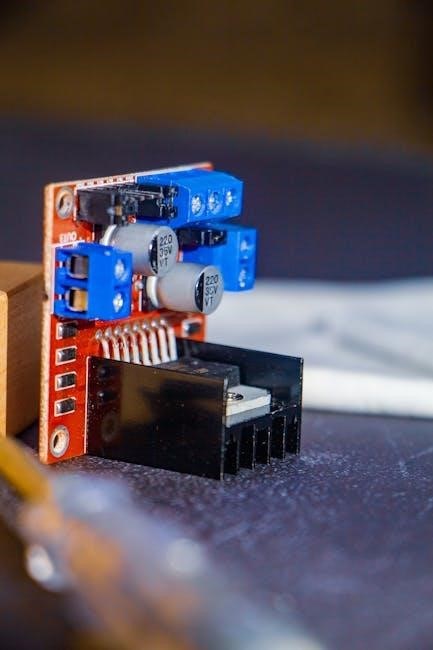
Double-check the ESC’s programming defaults; some may require initial setup via a Spektrum SmartLink USB adapter. Familiarize yourself with the wiring diagram (detailed later) to understand the correct connections. Consider adding heat shrink tubing to exposed solder joints for insulation and protection. Pre-tinning the wires before soldering simplifies the process. Finally‚ ensure the ESC’s mounting plate is compatible with the Vorteks chassis.
ESC Wiring Diagram – Understanding Connections
The Arrma Vorteks ESC utilizes a straightforward wiring scheme. The battery connects via an IC5/EC5 connector – positive (red) and negative (black) wires. Motor wires (typically three colors – black‚ red‚ and white/yellow) connect to the ESC’s motor output. Correct sequencing is crucial; incorrect wiring can damage the ESC or motor.
Receiver wires connect to the ESC’s signal‚ positive‚ and negative ports. Typically‚ this involves a three-wire connection: signal (orange/yellow)‚ positive (red)‚ and negative (black). Ensure proper polarity. Spektrum Smart ESCs utilize a data wire for telemetry. Refer to the ESC manual for specific pin assignments. Double-check all connections before powering on to prevent shorts or misconfigurations.
Connecting the Motor Wires
Carefully connect the motor wires to the ESC. Typically‚ these are color-coded – black‚ red‚ and a third wire (often white or yellow). While the order doesn’t always matter‚ incorrect wiring can cause the motor to run in reverse or operate inefficiently. If the motor runs backward‚ simply swap any two of the motor wires.
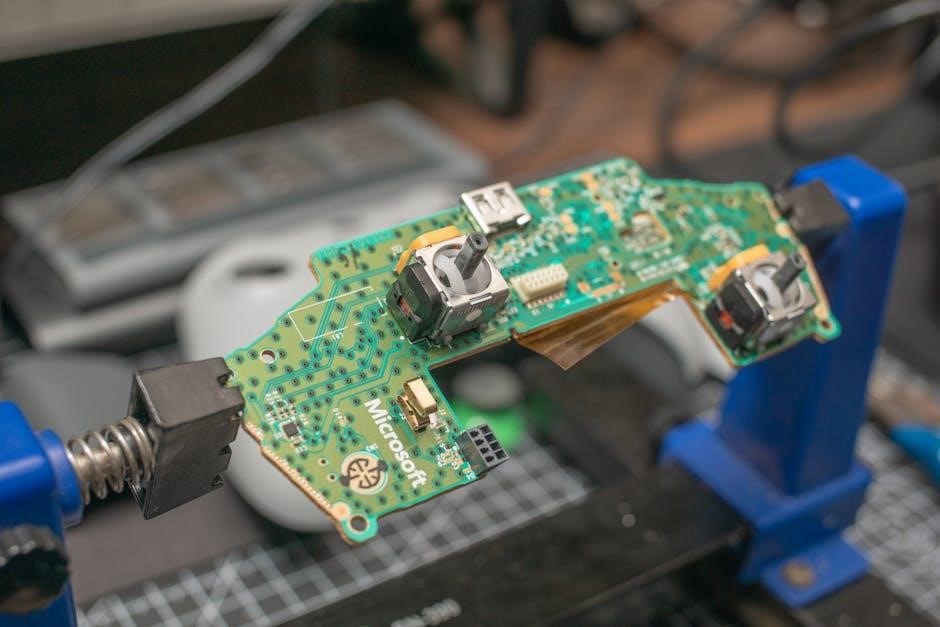
Ensure the wires are securely seated in the ESC connectors. Use a small screwdriver to gently tighten the screw terminals if necessary. Avoid over-tightening‚ which can damage the wires or connectors. Inspect the wires for any fraying or damage before connecting them. A clean‚ solid connection is vital for optimal performance and preventing intermittent power loss during operation.
Connecting the Receiver Wires
Connect the receiver wires to the appropriate channels on the ESC. Typically‚ this involves a three-wire connection: power (usually red)‚ ground (usually black)‚ and signal (often white or yellow). Refer to both the ESC and receiver manuals for correct pin assignments. Incorrect wiring can prevent communication between the receiver and ESC‚ rendering the vehicle inoperable.
Ensure the connectors are firmly seated and properly oriented. Some ESCs utilize universal connectors‚ while others may require specific adapters. Double-check the polarity before powering on the system. A secure connection is crucial for reliable control. If experiencing issues‚ verify the receiver is bound to the transmitter and that the signal wire is correctly connected to the throttle channel.
Setting Up the ESC with Spektrum Smart Technology
The Arrma Vorteks ESC‚ specifically the SPMXSE1100‚ is Spektrum Smart capable. Utilizing this technology requires a Spektrum Smart receiver and battery. Connect a Smart battery‚ and the ESC automatically recognizes its parameters – voltage‚ capacity‚ and C-rating – eliminating manual settings. This ensures optimal performance and battery protection.
Through the Spektrum SmartLink app (available for iOS and Android)‚ you can monitor real-time data like battery voltage‚ temperature‚ and motor RPM. This data helps optimize driving and identify potential issues. The ESC stores data logs for post-run analysis. Ensure your transmitter is updated with the latest firmware to fully leverage Smart technology features. Proper setup enhances efficiency and extends battery life.
Programming the ESC (Basic Settings)
The Arrma Vorteks ESC (SPMXSE1100) is programmable via the transmitter. Basic settings include brake strength‚ drag brake‚ and throttle punch. Access the programming menu by holding full throttle and powering on the ESC. The LED indicator will flash‚ signaling entry into programming mode.
Refer to the Spektrum ESC programming guide for specific button combinations to adjust each setting. Lower brake strength reduces stopping power‚ while higher values provide aggressive braking. Drag brake applies a slight brake when the throttle is neutral‚ improving control. Throttle punch controls the acceleration rate; higher values offer quicker response.
Experiment with these settings to tailor the ESC’s behavior to your driving style and track conditions. Save your changes by cycling the power. Remember to start with conservative settings and gradually increase them.
Testing the ESC Functionality
After installation‚ thoroughly test the ESC before full operation. Begin by reconnecting the battery and powering on both the transmitter and the vehicle. Observe the ESC’s LED indicator; a solid green light typically indicates normal operation. Gently depress the throttle – the motor should spin smoothly in both forward and reverse.
Check the brakes by applying the brake input on your transmitter. Ensure the motor stops promptly and consistently. Listen for any unusual noises from the motor or ESC‚ such as grinding or clicking. If you encounter an orange flashing light‚ consult the troubleshooting section‚ as this often indicates a low-voltage cutoff or other error.
Perform a slow-speed test drive in a safe‚ open area to confirm proper throttle and brake response.
Gear Mesh Adjustment After ESC Installation
Proper gear mesh is crucial after an ESC replacement‚ as changes in motor performance can affect it. With the ESC installed and the vehicle powered off‚ manually rotate the spur gear. You should feel slight resistance and hear a smooth‚ consistent sound as the pinion gear engages.
Too tight a mesh will cause excessive heat and wear‚ while too loose a mesh can lead to stripping gears. Adjust the motor mount screws to achieve the optimal mesh. A good starting point is to aim for approximately 0.5-1mm of play between the pinion and spur gears.
Run the vehicle briefly and recheck the mesh after a few minutes. The gears should remain cool to the touch. Fine-tune the adjustment as needed to ensure smooth‚ efficient power transfer and prevent premature wear.
Troubleshooting Common ESC Issues (Orange Flashing Light)
An orange flashing light on the ESC often indicates a communication problem between the ESC and the receiver‚ or a low voltage cutoff activation. First‚ ensure the receiver is properly bound to your Spektrum transmitter and has sufficient battery power.
Check all wiring connections between the ESC‚ receiver‚ and battery. A loose or damaged wire can disrupt the signal. Verify the battery voltage is within the ESC’s supported range (6.0V-9.6V for the SPMXSE1100). If using LiPo batteries‚ ensure they are not over-discharged.
Try re-programming the ESC to factory defaults and re-establishing the connection with the receiver. If the issue persists‚ the ESC may be faulty and require replacement. Consult the Arrma or Spektrum support websites for further assistance.
Recommended ESC Upgrades for the Arrma Vorteks
For increased performance and reliability‚ consider upgrading the stock SPMXSE1100 ESC. Hobbywing QuicRun Fusion series ESCs are popular choices‚ offering higher current ratings and advanced features like adjustable timing and drag brake.
Castle Creations Mamba X series ESCs provide exceptional power and programmability‚ suitable for experienced users. When selecting an upgrade‚ prioritize an ESC with a continuous current rating of at least 100A‚ and a burst rating of 600A or higher to handle demanding driving conditions.
Ensure the new ESC is compatible with your motor’s kV rating and battery voltage. Upgrading to a higher-capacity ESC can improve throttle response‚ efficiency‚ and overall durability‚ extending the life of your Vorteks.
Sourcing Replacement ESCs (eBay‚ Jennys RC LLC‚ Eds RC)
Finding a replacement ESC for your Arrma Vorteks is readily achievable through several online retailers. eBay often features both new and used SPMXSE1100 ESCs‚ alongside upgrade options‚ offering competitive pricing but requiring careful seller evaluation.
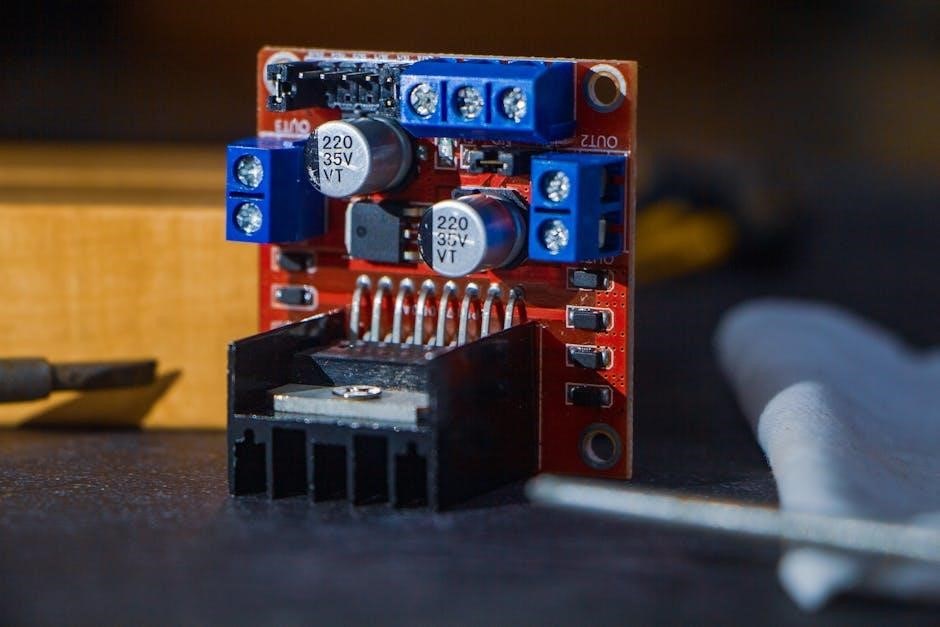
Jennys RC LLC specializes in Arrma parts‚ consistently stocking the original Firma 100 Amp Brushless Smart ESC (SPMXSE1100) and providing reliable service. Their website offers detailed product specifications and fast shipping.
Eds RC is another excellent source‚ carrying a range of ESCs‚ including the Spektrum 40A Brushed 2-in-1 ESC & SLT Receiver V2‚ suitable for certain Arrma platforms. Always verify compatibility before purchasing. Comparing prices and shipping costs across these vendors ensures you secure the best deal.